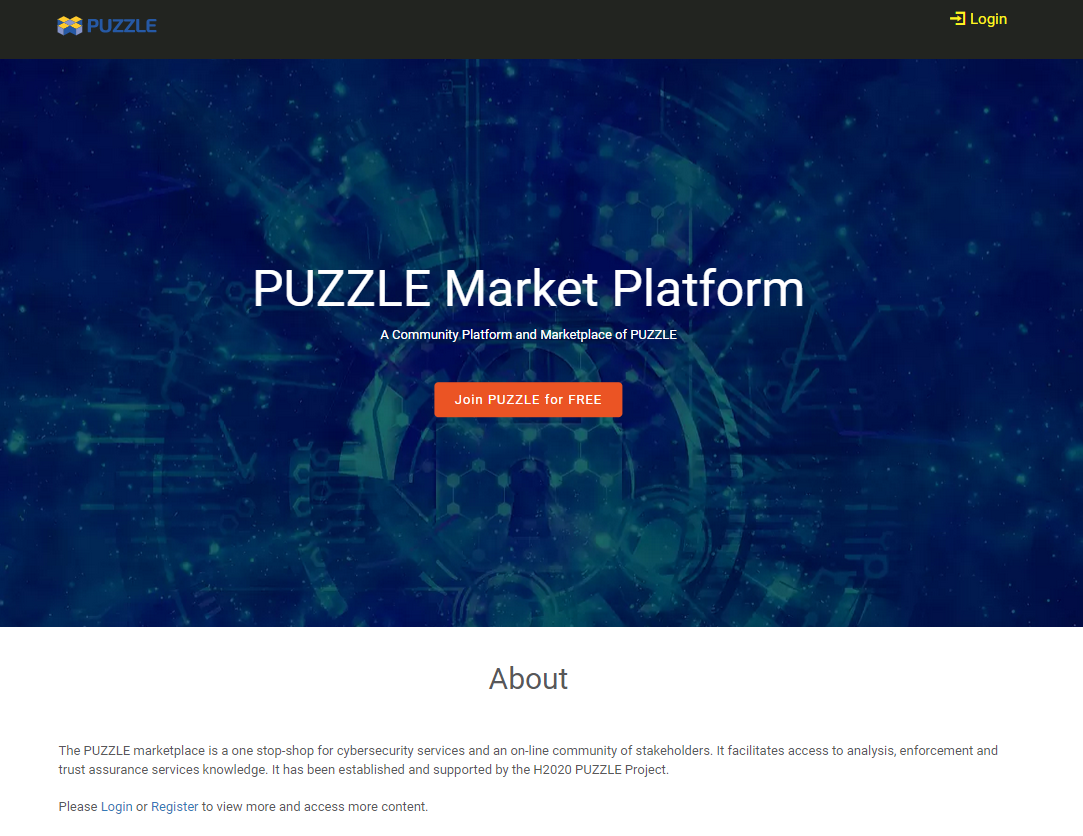
PUZZLE Marketplace
Here you can find instructions for the basic functionalities of Marketplace.
In short, from the user perspective, the flow that we present below can be summarized as:
Go to the Marketplace, find the desired policy and download.
Go to the Policies section, then upload the download policy by selecting New Policy.
User can access the PUZZLE marketplace that is available in this link, in order an find new policy templates. - In the Marketplace, the user among the categories of the available policy template can select the desired category and then download the desired policy template to use in the local Puzzle installation.
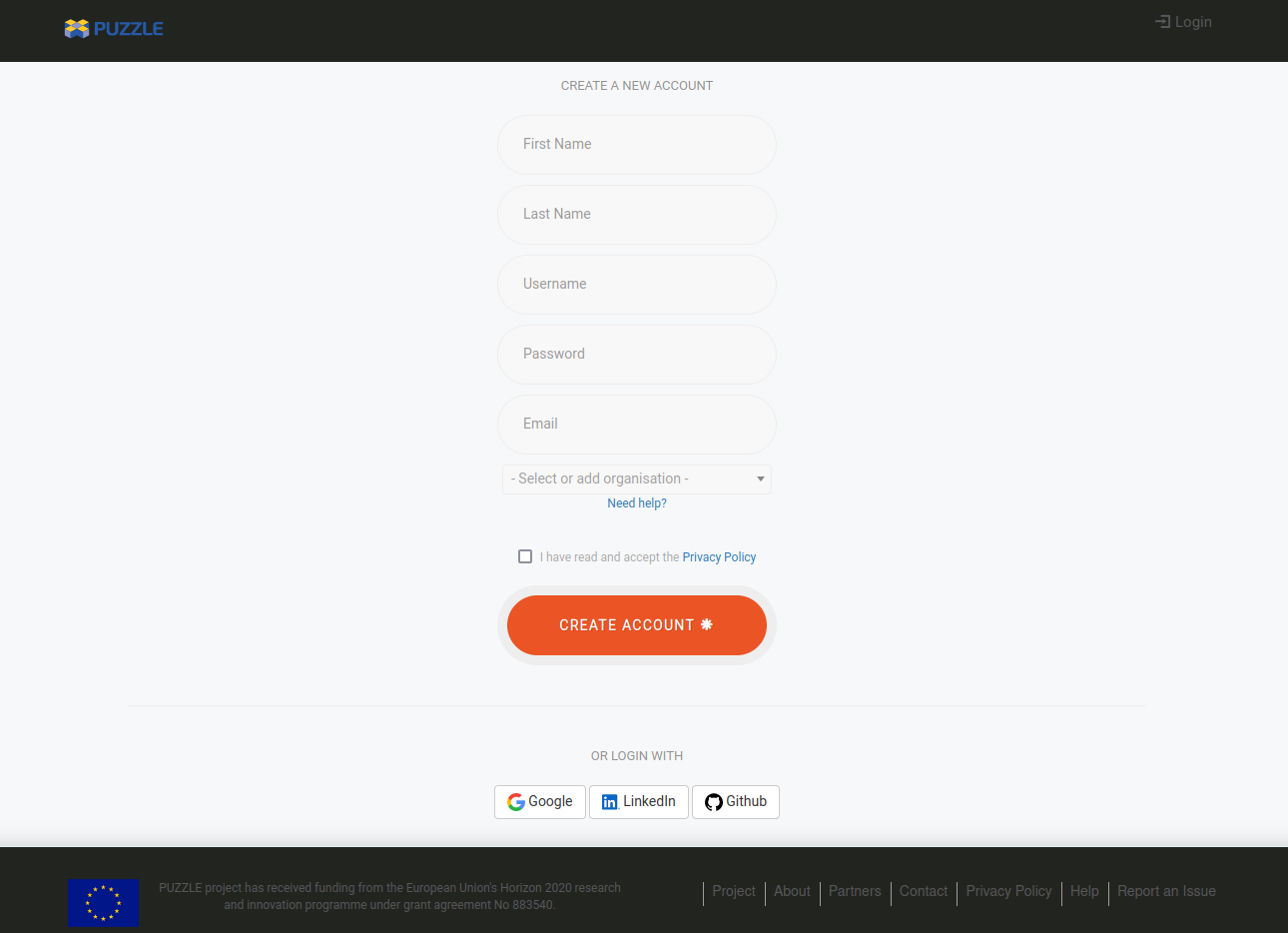
Registration Form
We have the ability to register to the platform:
Service Providers
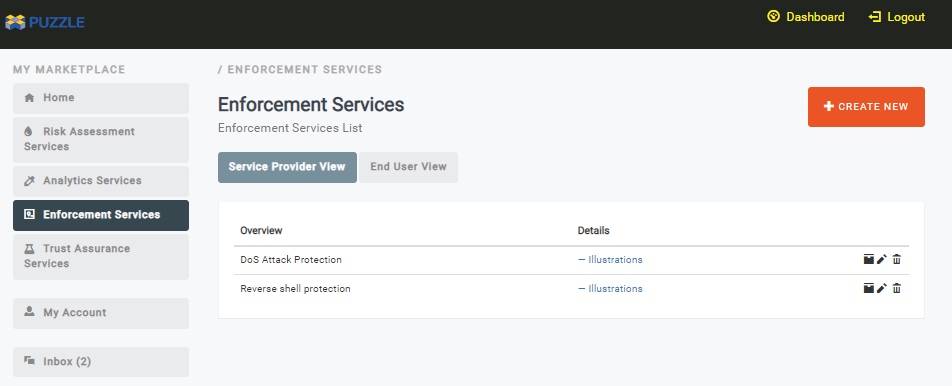
Service providers can use the PUZZLE marketplace to upload and share PUZZLE policies that are offering protection. Service provider being able to:
See all services owned per category
Αdd metadata for a service
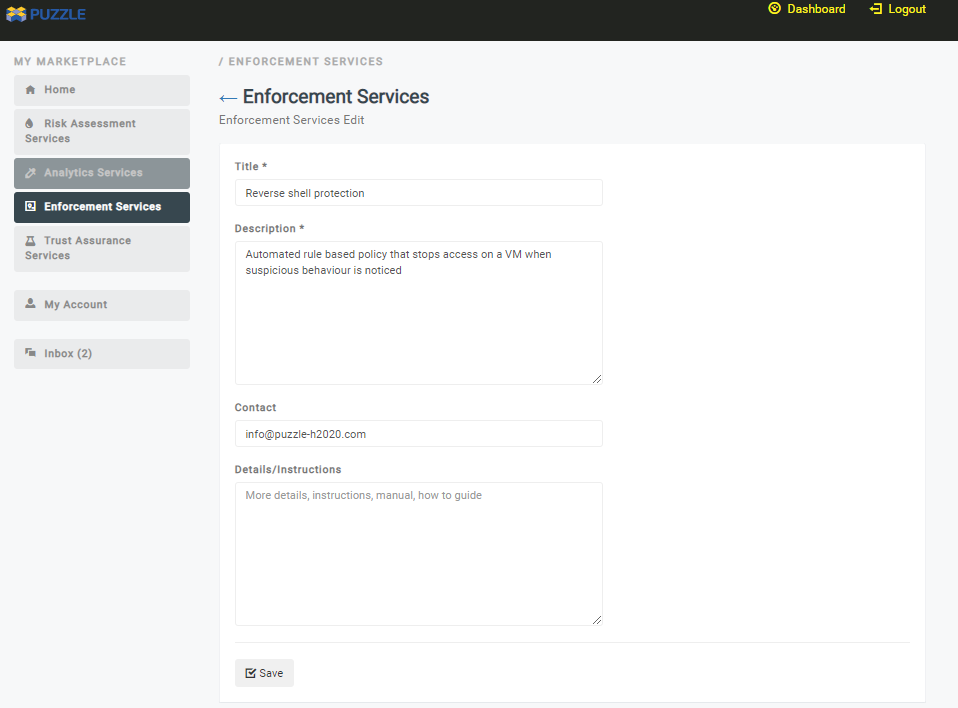
Upload a policy template (Templates and supporting files can be uploaded in the corresponding form)
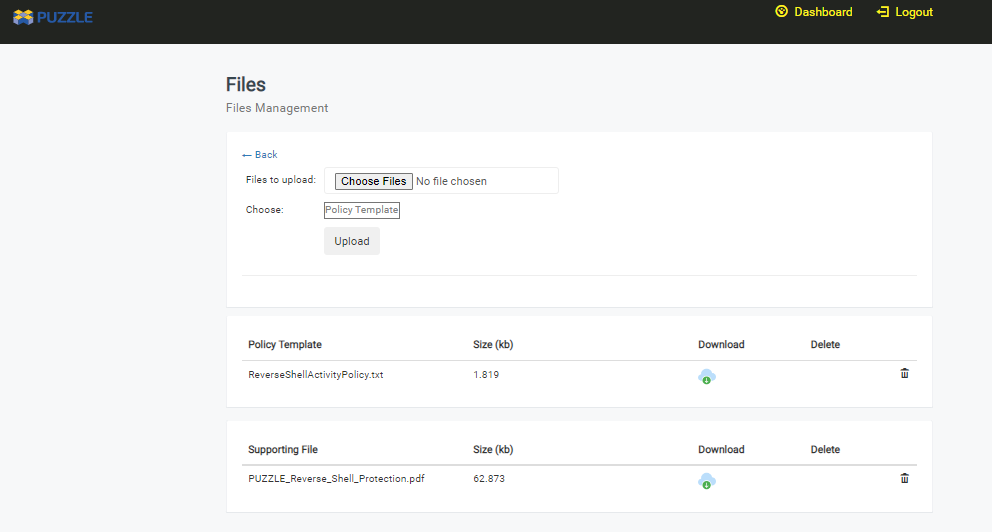
Policy templates and all the files uploaded by third parties in the marketplace are assessed before becoming available for download by the marketplace users.
Service Consumers
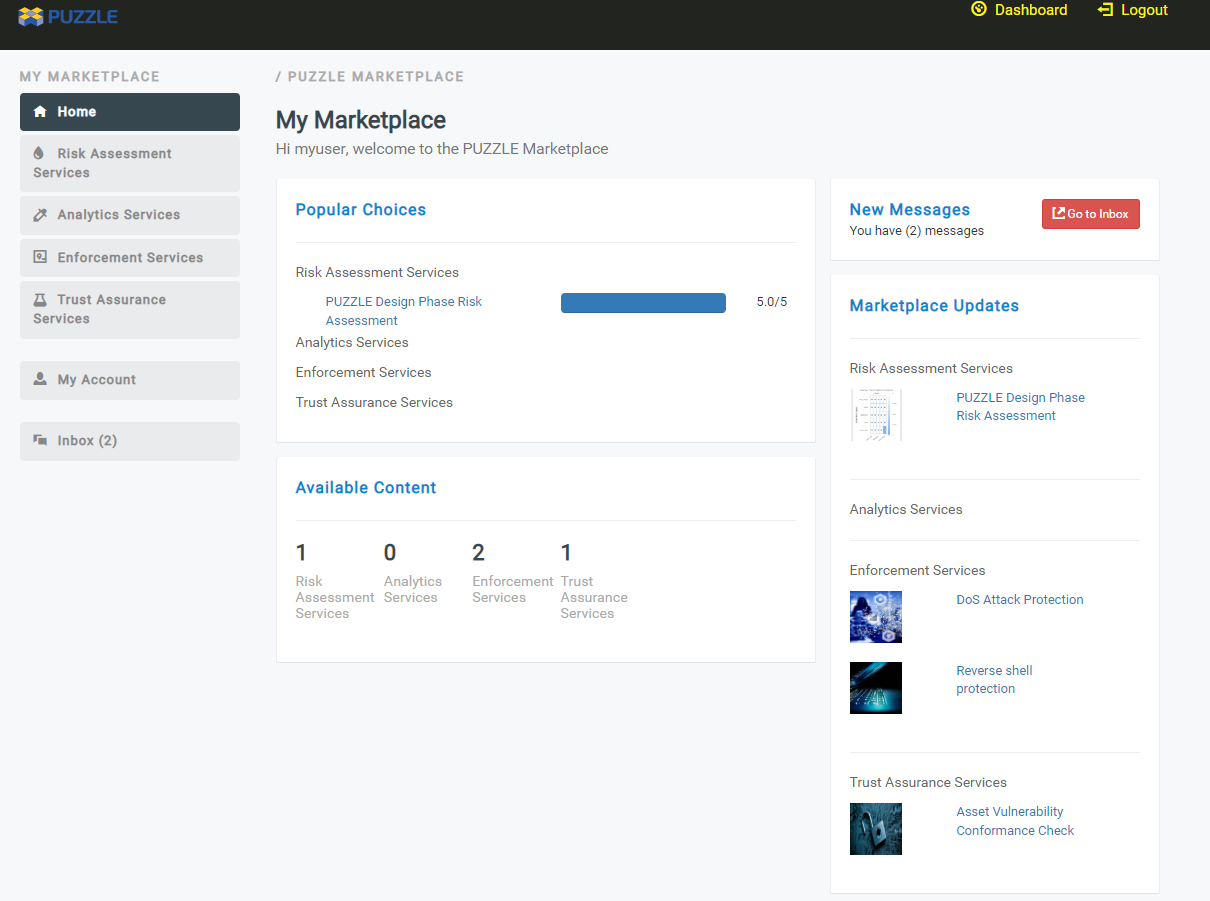
A registered user can see the Dashboard with available SECaaS, based on the four different conceptual categories, in ‘Risk Analysis Services’, ‘Analytics Services’, ‘Enforcement Services’ and ‘Trust Assurance Services’.
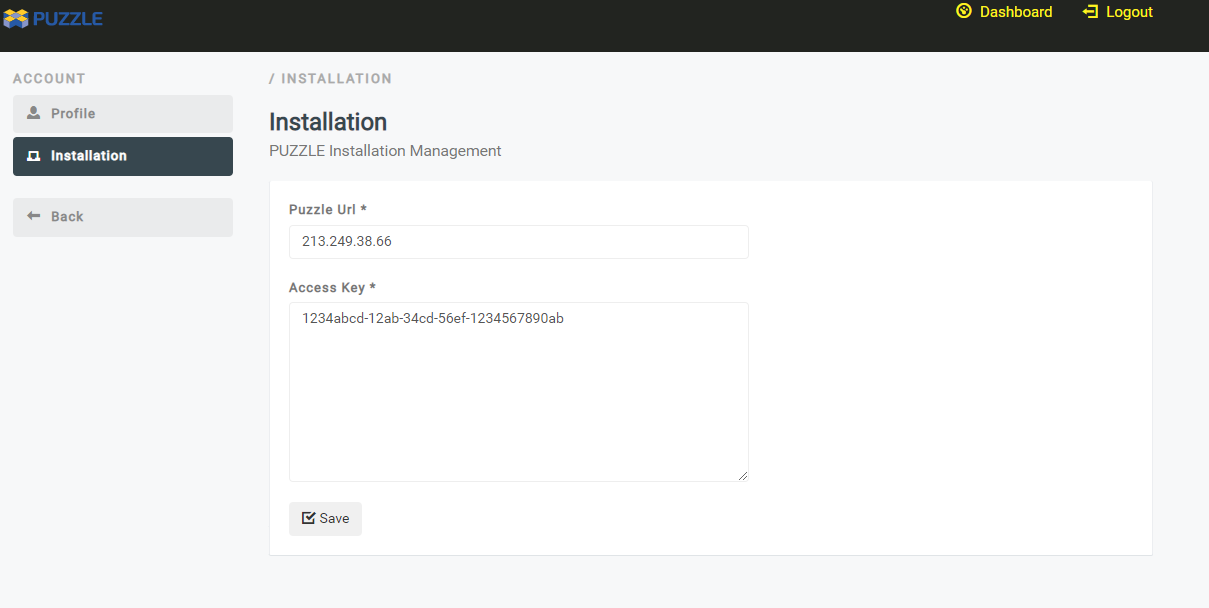
Optionally, the user configures the Marketplace in order to be able to access the private PUZZLE installation.
For each service a dedicated page is provided, as shown below. For this first release the user can download manually the template policy, while in future releases the template will be possible to be sent to the PUZZLE installation.
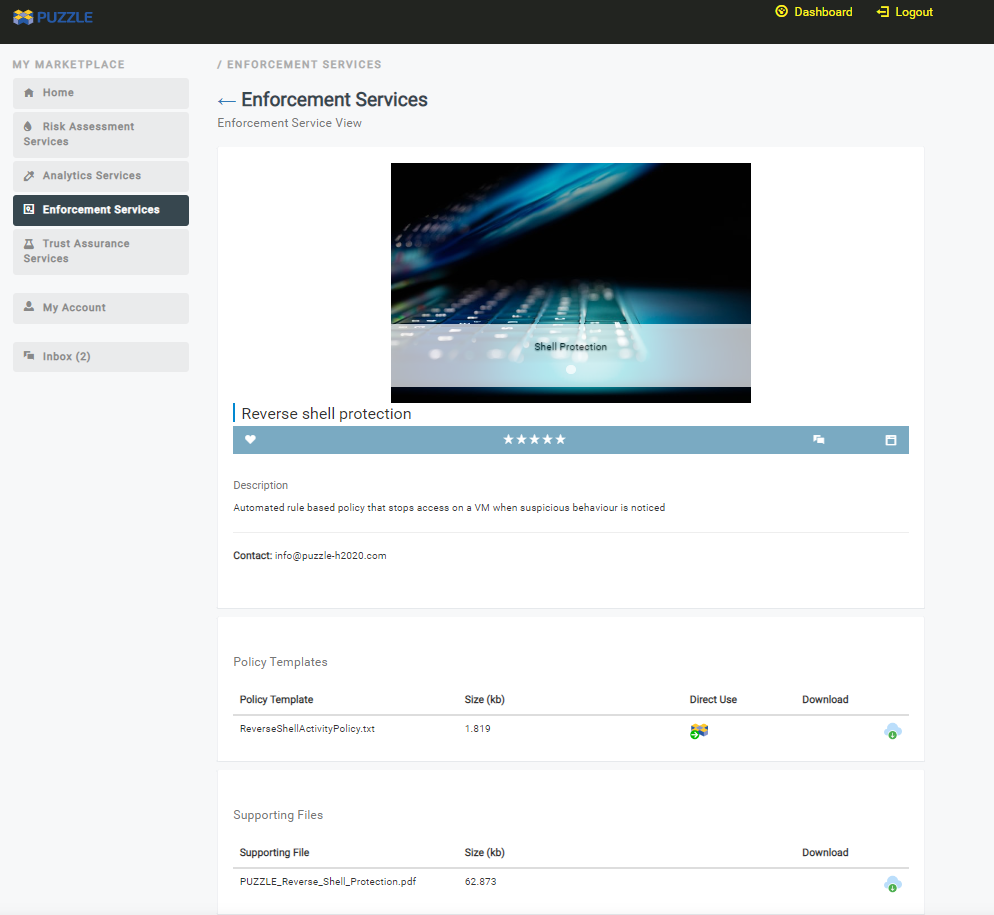
User then can download the policy, go back to the User Dashboard and upload the policy. Once the policy successfully uploaded, i.e a DoS attack policy, when such an incident occurs the user can see information about the incident in the Incidents Representation section of the User Dashboard.
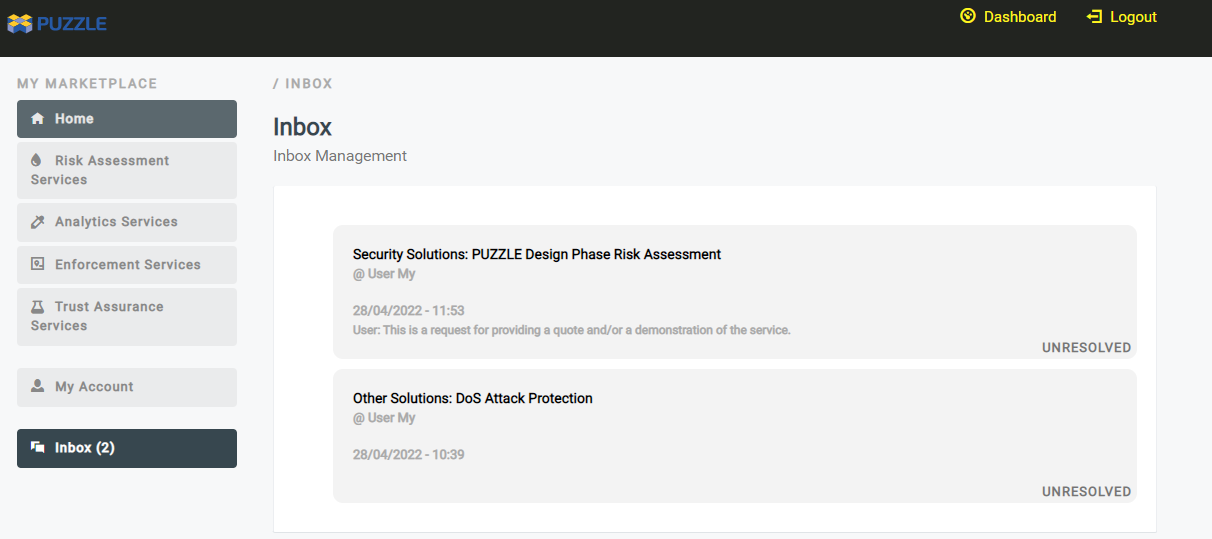
Finally, the user can also directly communicate with the provider of the policy template or even add a service to favorites.